
Search
The MDM (Mobile Device Management) feature in the Uproot Security platform helps organizations monitor, manage, and secure employee devices from a single place.It provides continuous visibility into key device security controls, including disk encryption (for example, FileVault on macOS), firewall status, malware protection, password policies, screensaver and lock screen timeouts, logging and monitoring configurations, and operating system security updates.
MDM works through the Uproot Agent, which securely connects each device to the Uproot platform.
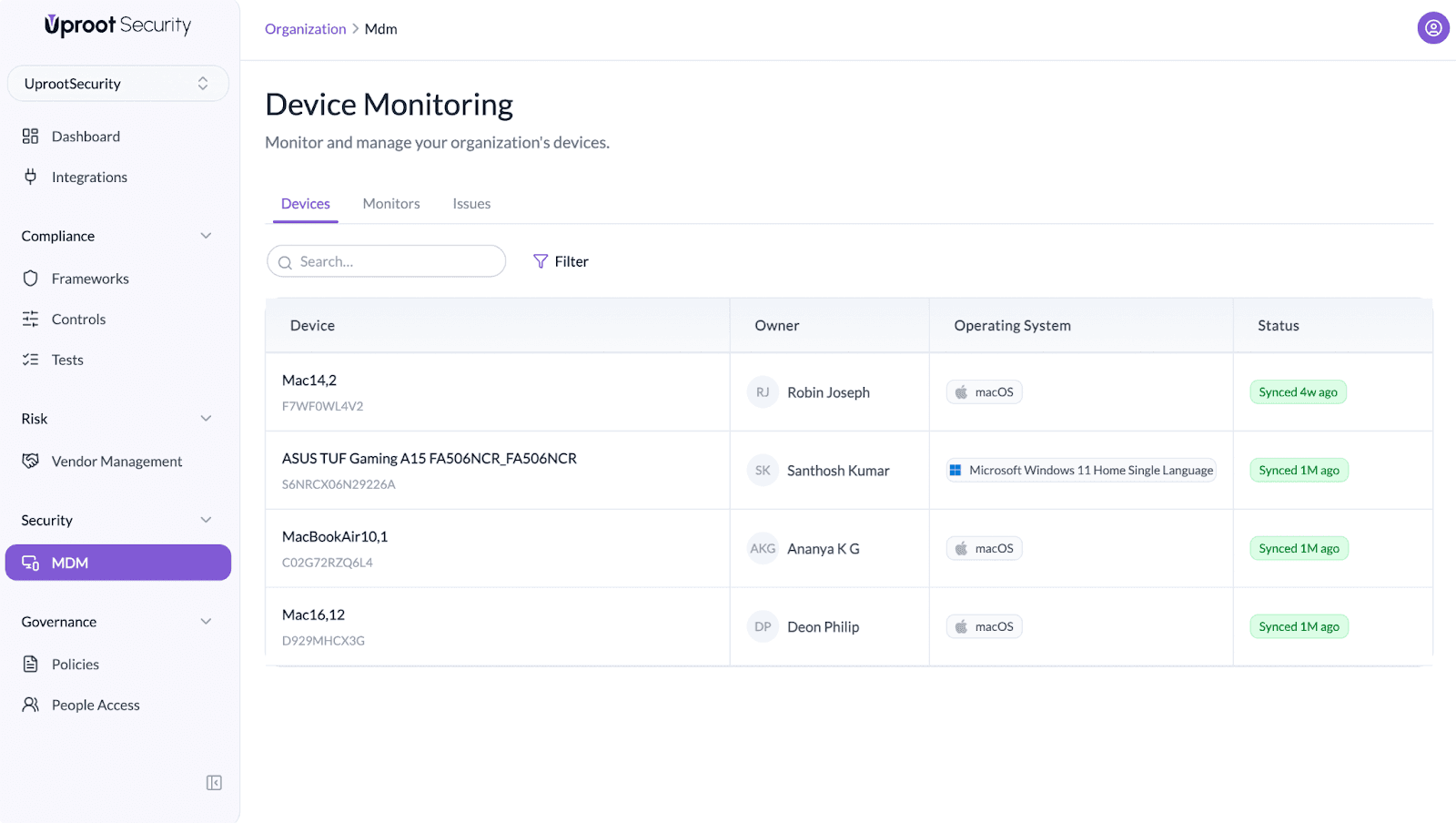
The Uproot Agent is a lightweight background application that runs on user devices. It enables secure communication between the device and the Uproot Security platform.
Once installed and connected, the agent:
When the agent is running, the Uproot logo will be visible in the taskbar, indicating that the device is actively connected.
Before a device can be monitored through MDM, the Uproot Agent must be installed.
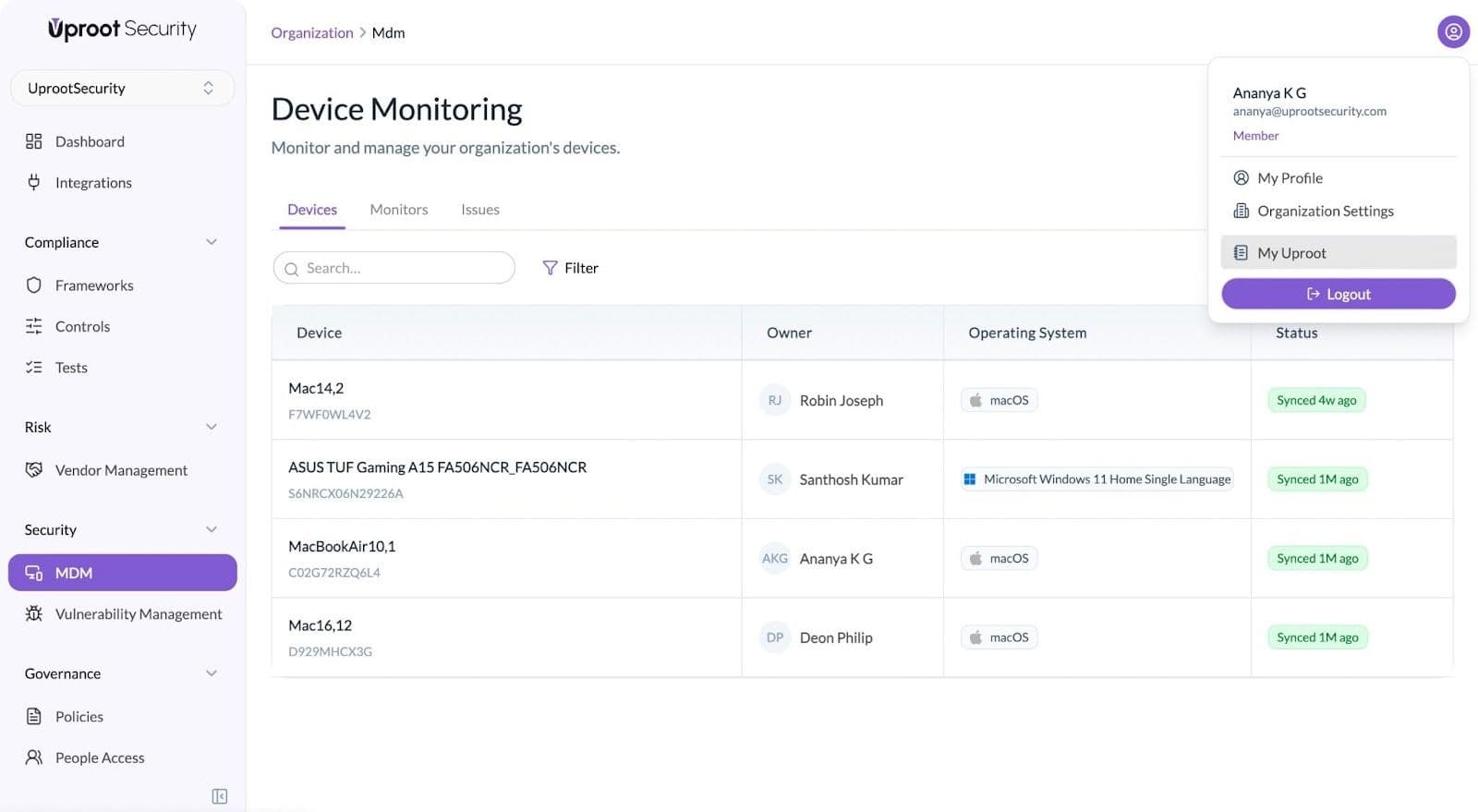
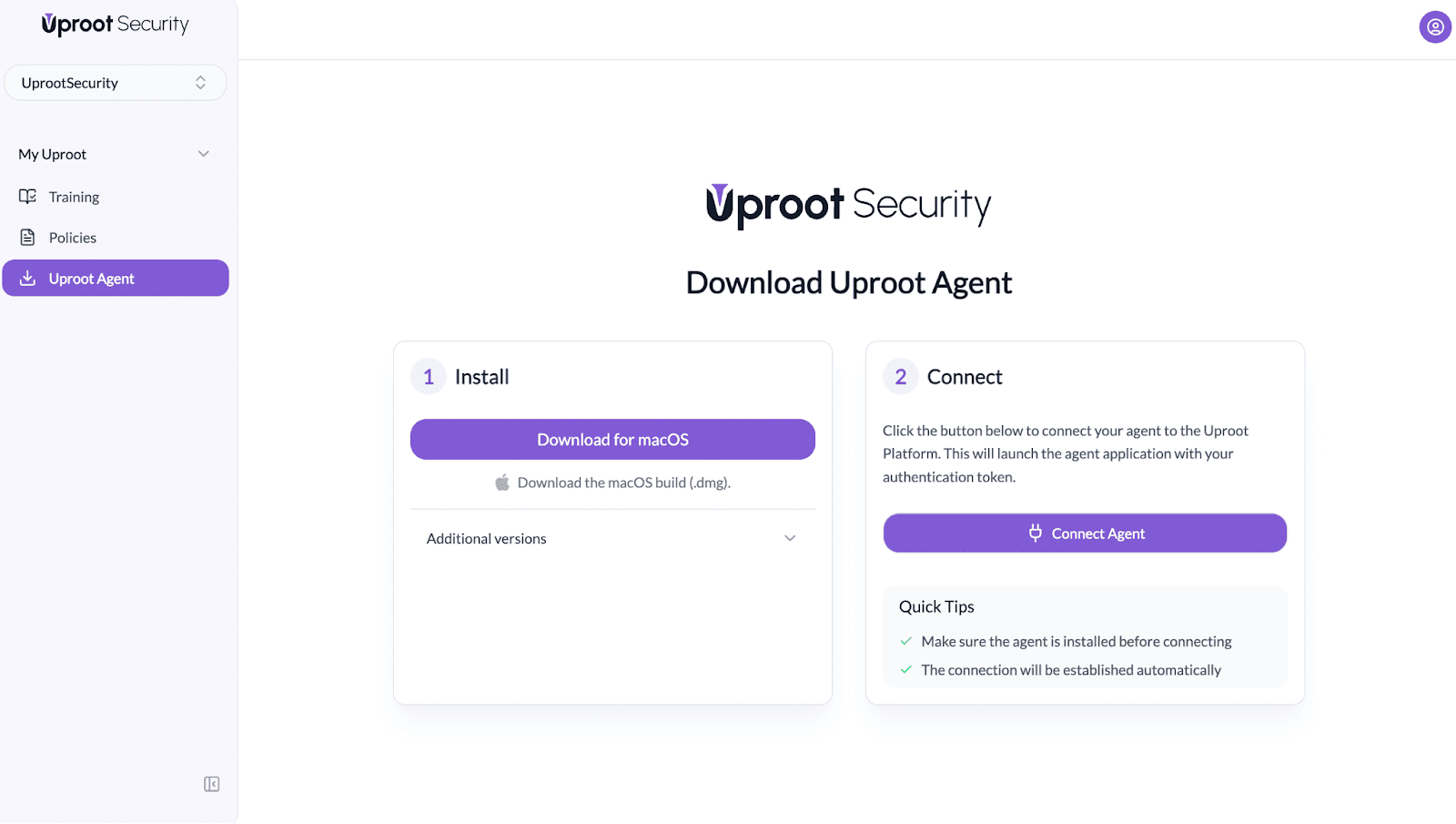
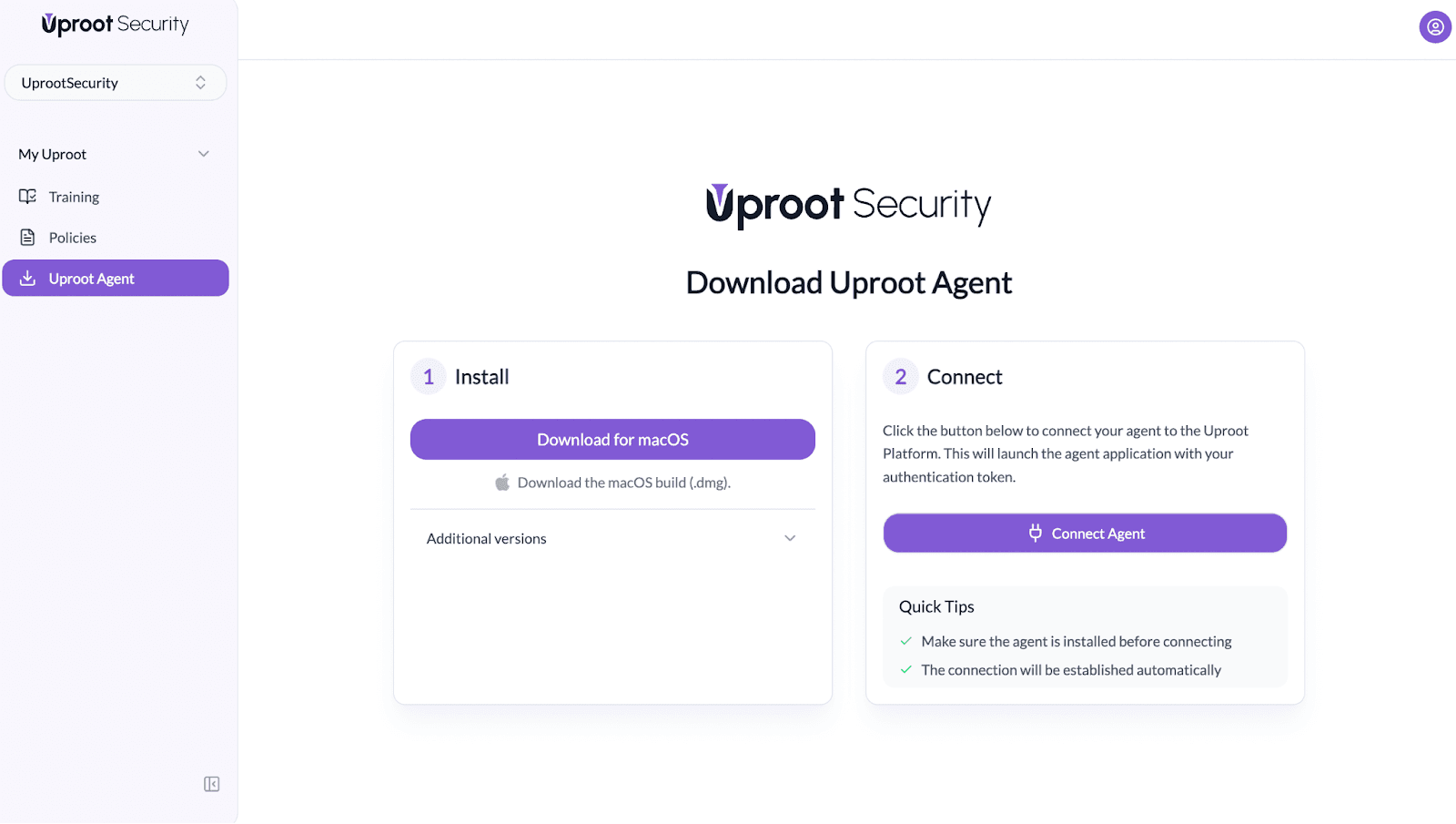
After downloading the agent, the connection process is quick and automatic.
You can confirm the agent is active by checking the taskbar for the Uproot logo.
After successful connection:
The platform continues to sync device data automatically, ensuring up-to-date visibility without manual intervention.
Uproot MDM continuously evaluates multiple device-level security controls, including:
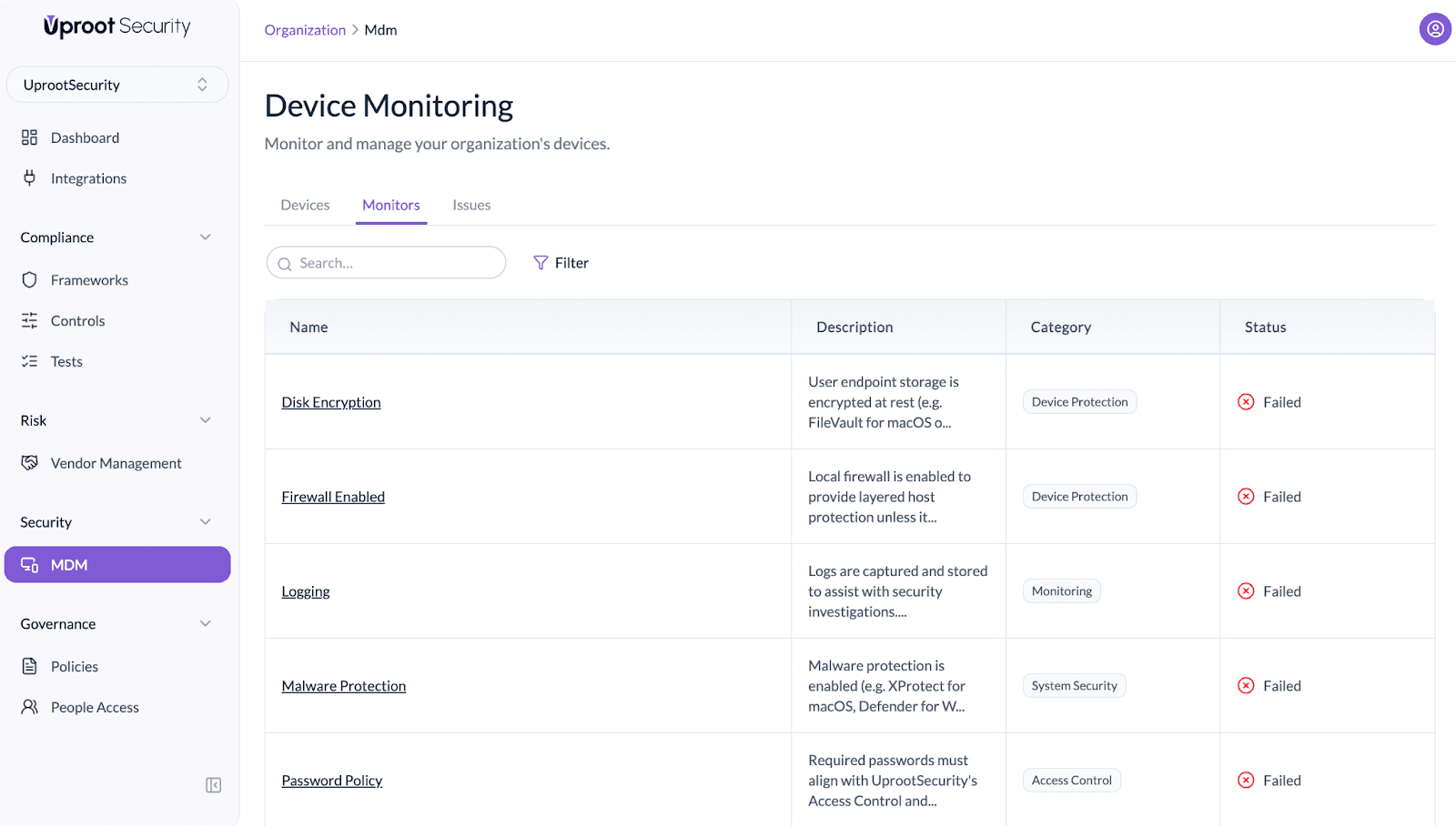
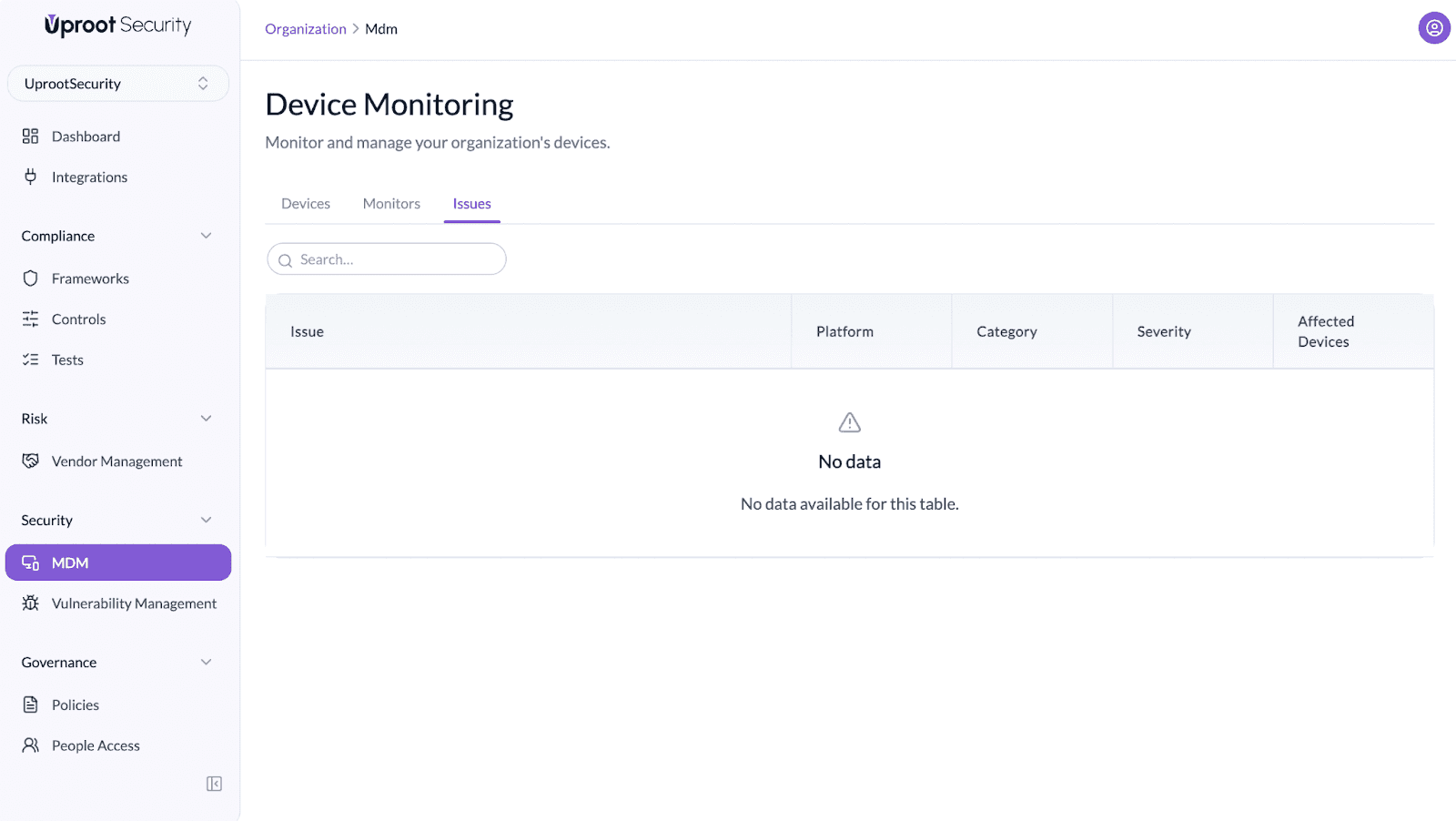
For each section, you can find the steps to enable these configurations by opening the issues tab.
Powered By SparrowDesk