
Search
Policies are a core part of demonstrating compliance. In Uproot, policies are pre-configured and aligned to support compliance frameworks. This guide explains what policies are in Uproot and how to manage them through editing, approval, and employee acceptance.
During onboarding, the account owner should assign ownership of policies to the appropriate admins. This ensures admins are responsible for reviewing and updating policy content, including adding any required variables, so policies accurately reflect the organization’s business setup and operational practices.
In Uproot, policies serve as formal evidence that compliance expectations are clearly documented, approved, and acknowledged. They are a required component for audits such as SOC 2.
All policies in Uproot are pre-configured and aligned to supported compliance frameworks, providing organizations with a consistent and audit-ready policy foundation.
Policies are managed directly within the platform which can be reviewed, submitted for admin approval, and published within Uproot.
Policies can be accessed from the Uproot platform by navigating through the organization settings, as shown in the screenshot below.
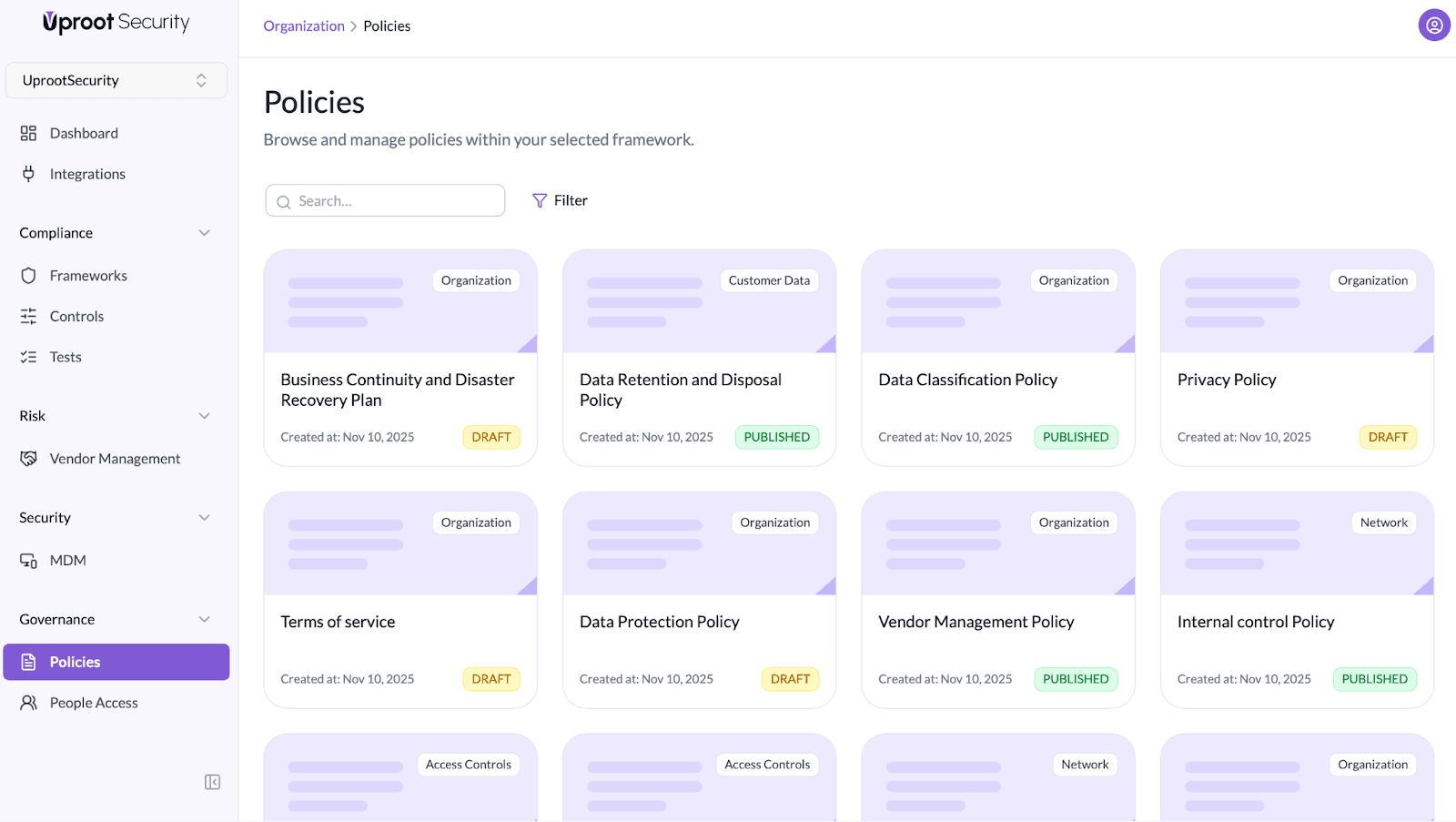 From the Policies page, users can view the full list of existing policies along with their current status.
Each policy in Uproot has a designated policy owner who is responsible for maintaining the policy content.
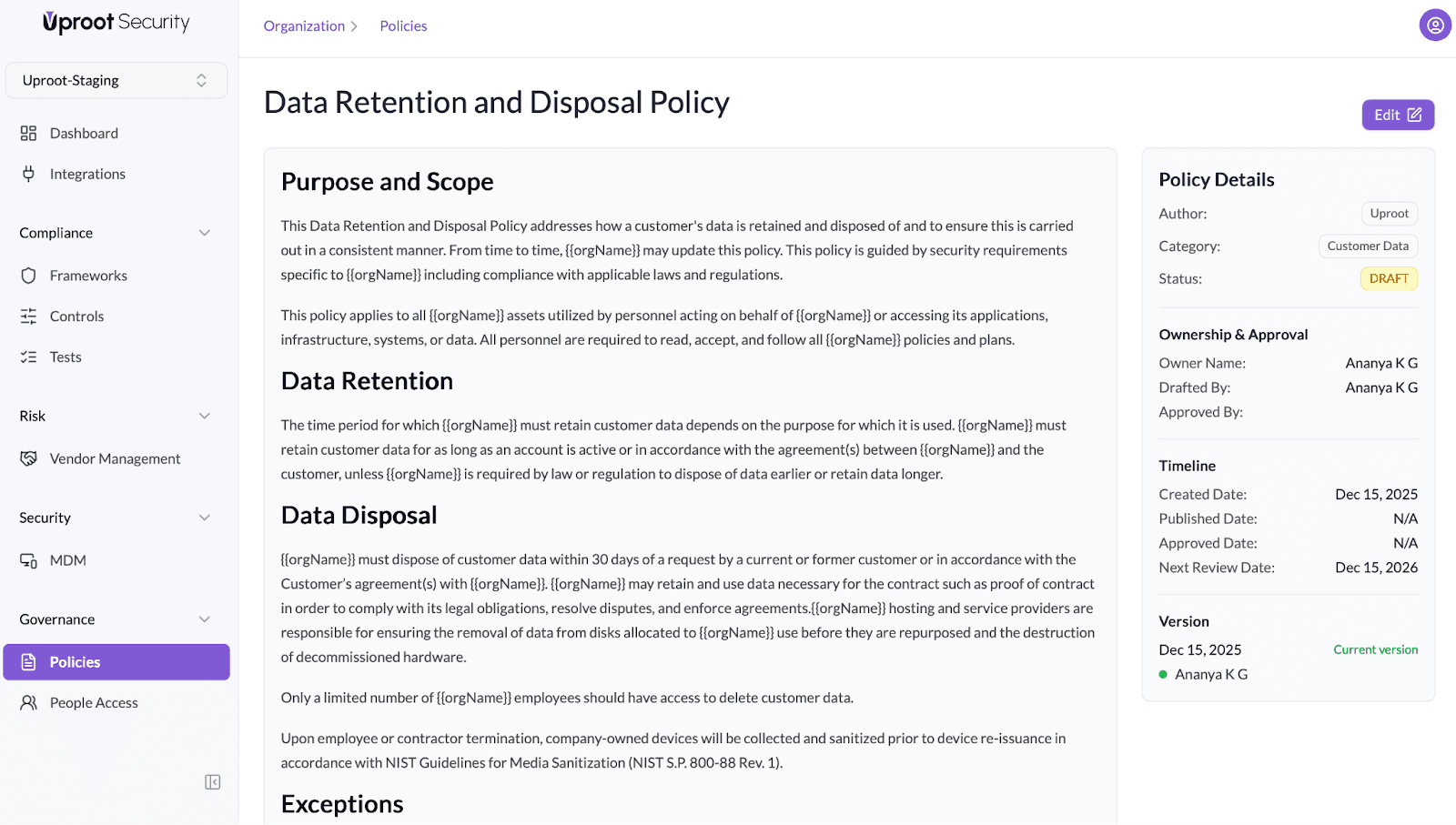
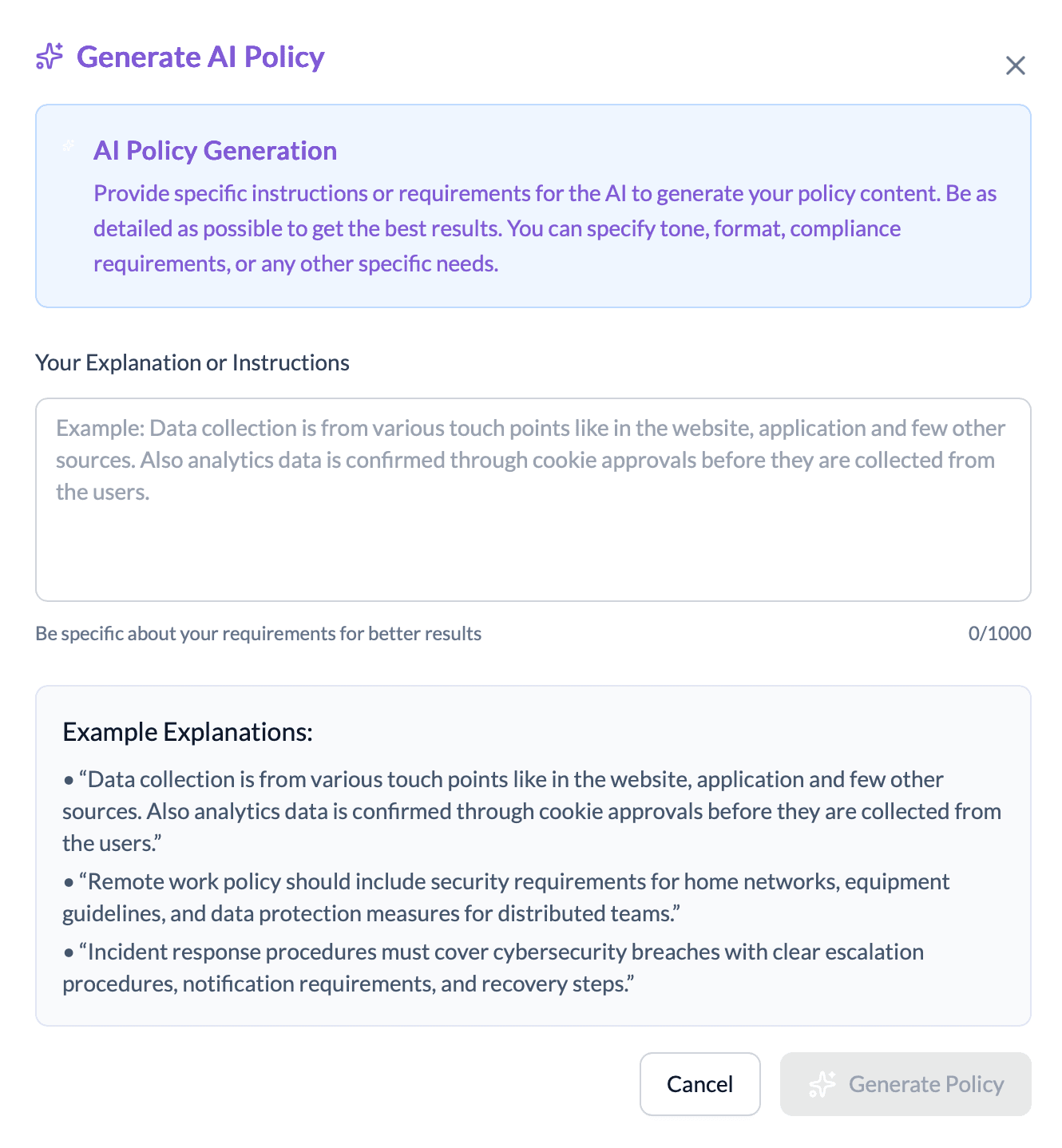 Policy owners can update policy content to reflect how the organization operates while maintaining alignment with compliance requirements. AI assistance helps create policy content based on the changes made by the policy owner, reducing manual effort.
After updates are made, policies go through a formal review and approval workflow.
The workflow in Uproot is as follows:
Once published, policies are made available to employees for acknowledgement.
Uproot automatically:
This removes the need for spreadsheets, email confirmations, or manual follow-ups.
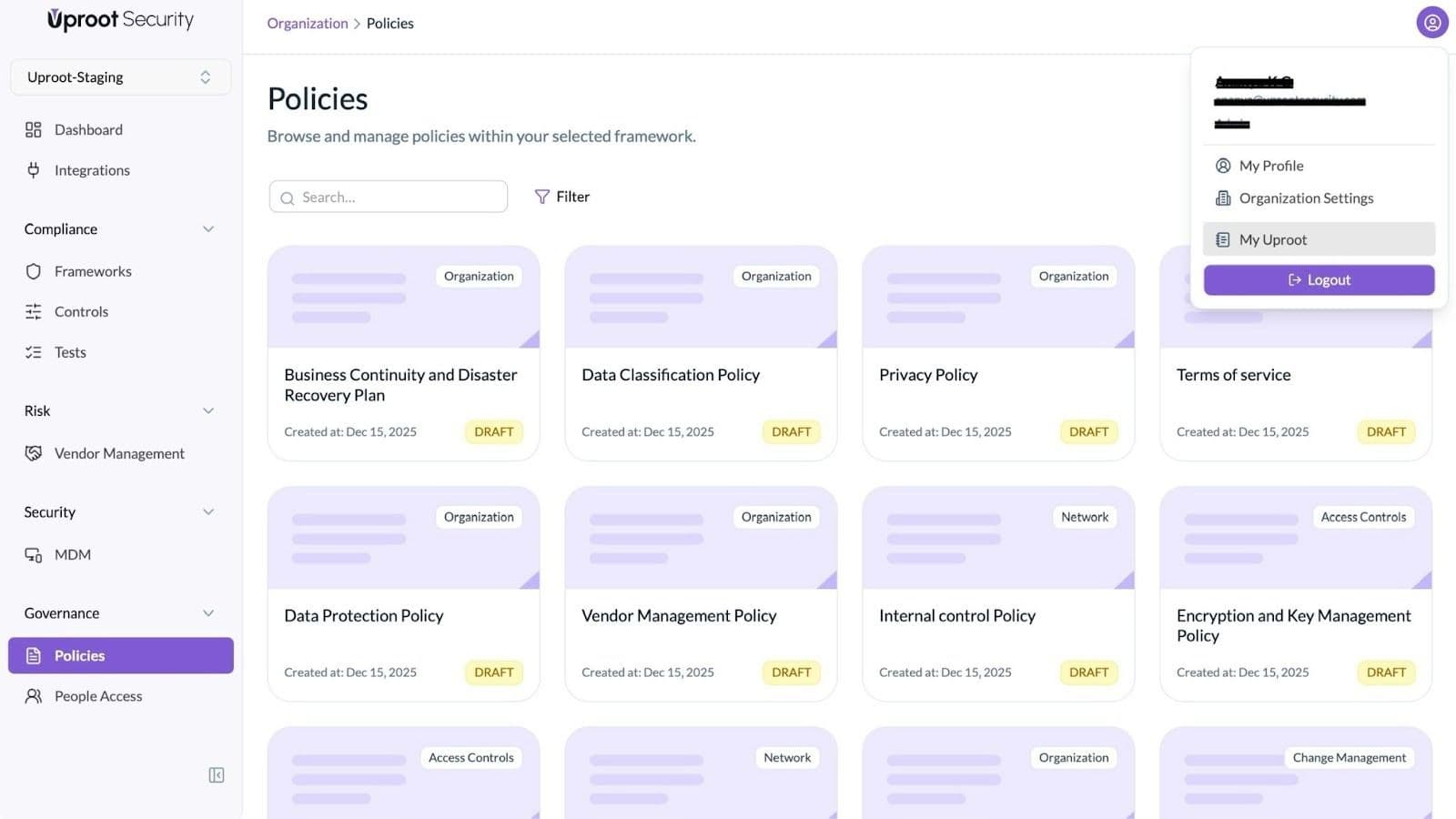
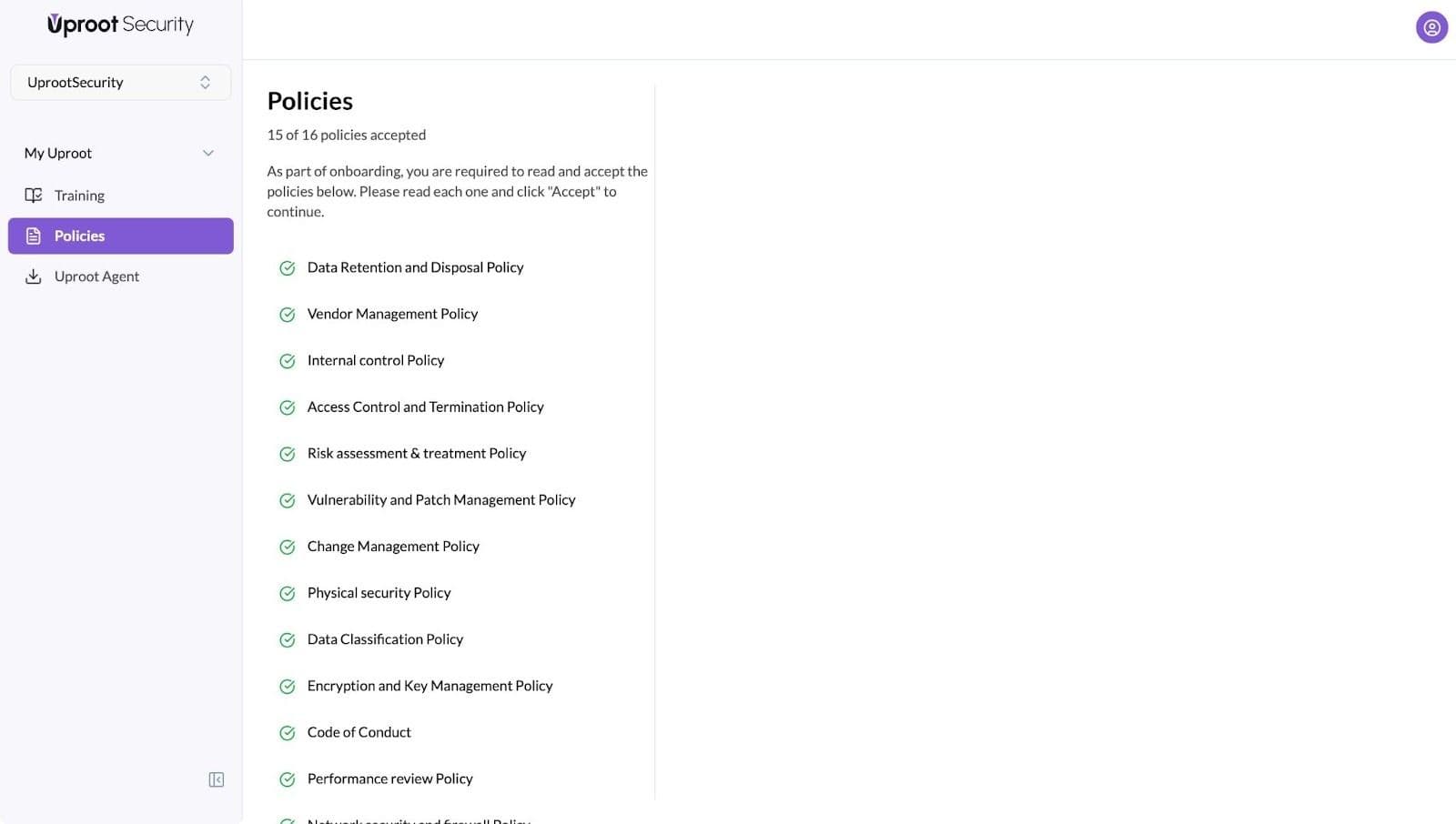
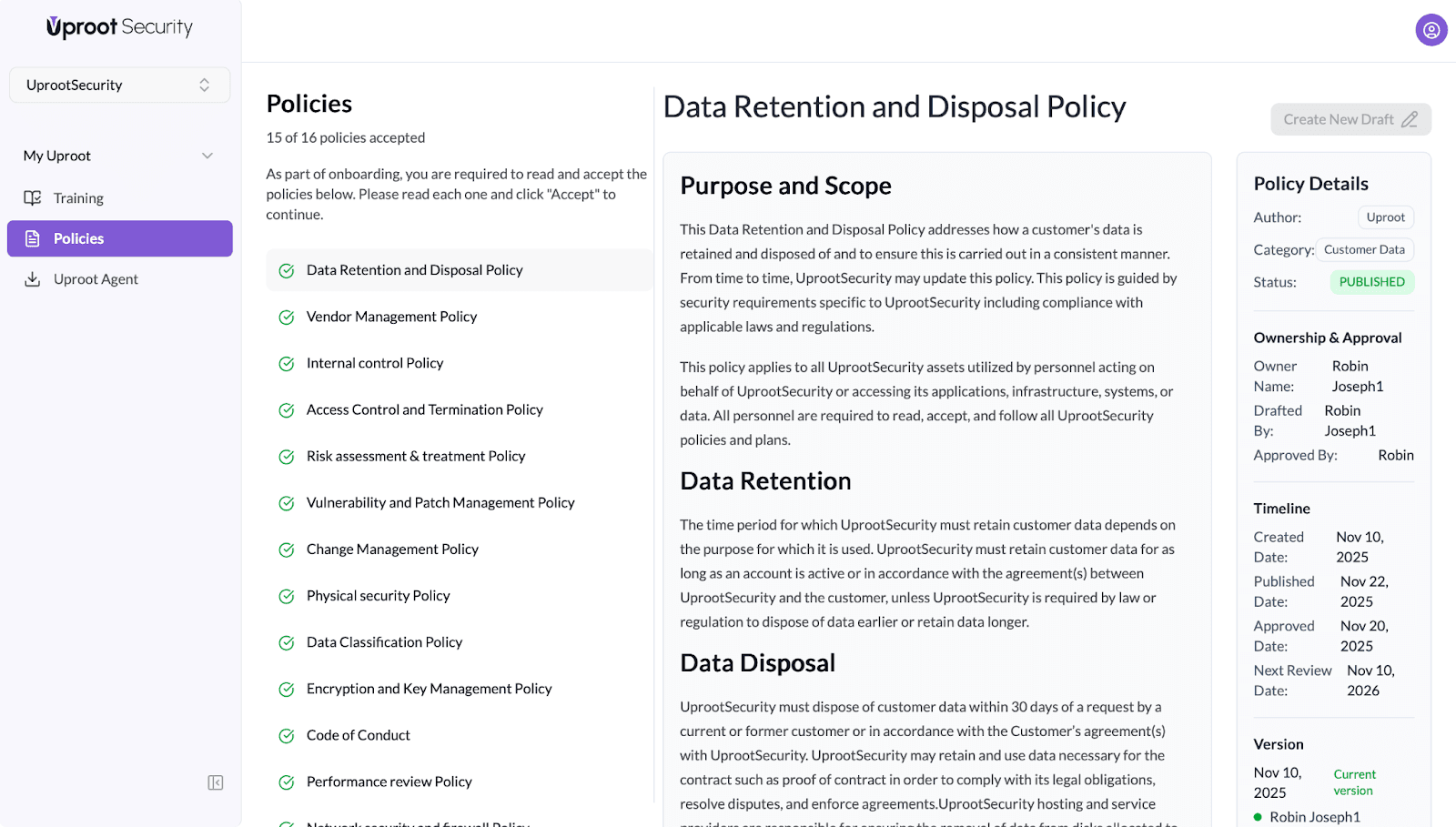
After acceptance, Uproot automatically updates the policy status and records a timestamp, making it immediately available for audit review.
Powered By SparrowDesk