
How to Manage Individual Vendors in Vendor Management
Once a vendor is added in Uproot Security, each vendor has a dedicated workspace where teams can document context, assess risk, complete reviews, and track remediation over time. This article explains every section available inside a vendor record and how it is used.
Accessing a Vendor Record
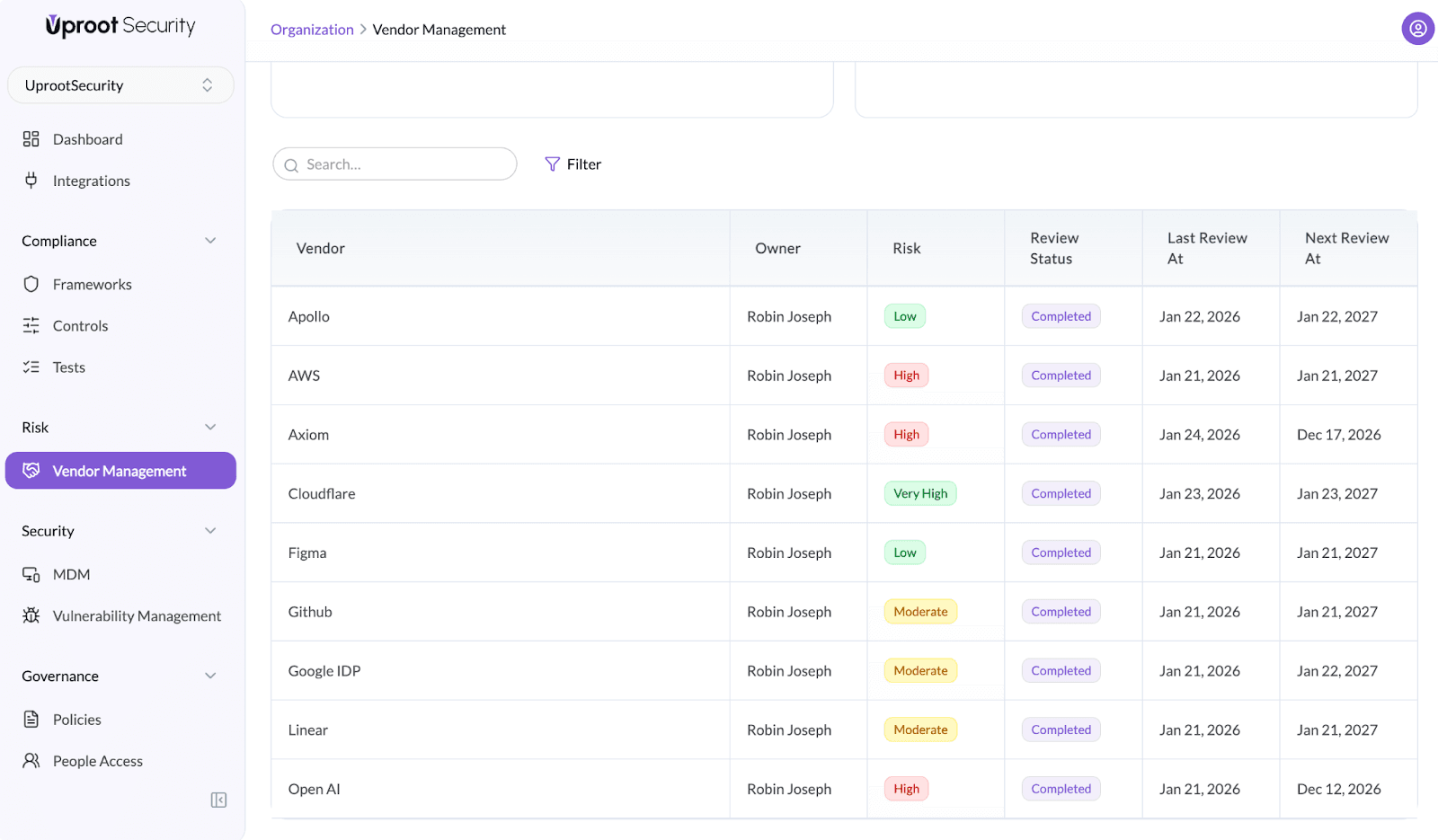
To open a vendor:
- Go to Risk → Vendor Management
- Select a vendor from the vendor list
This opens the vendor detail page with three primary sections:
- Overview
- Reviews
- Risk
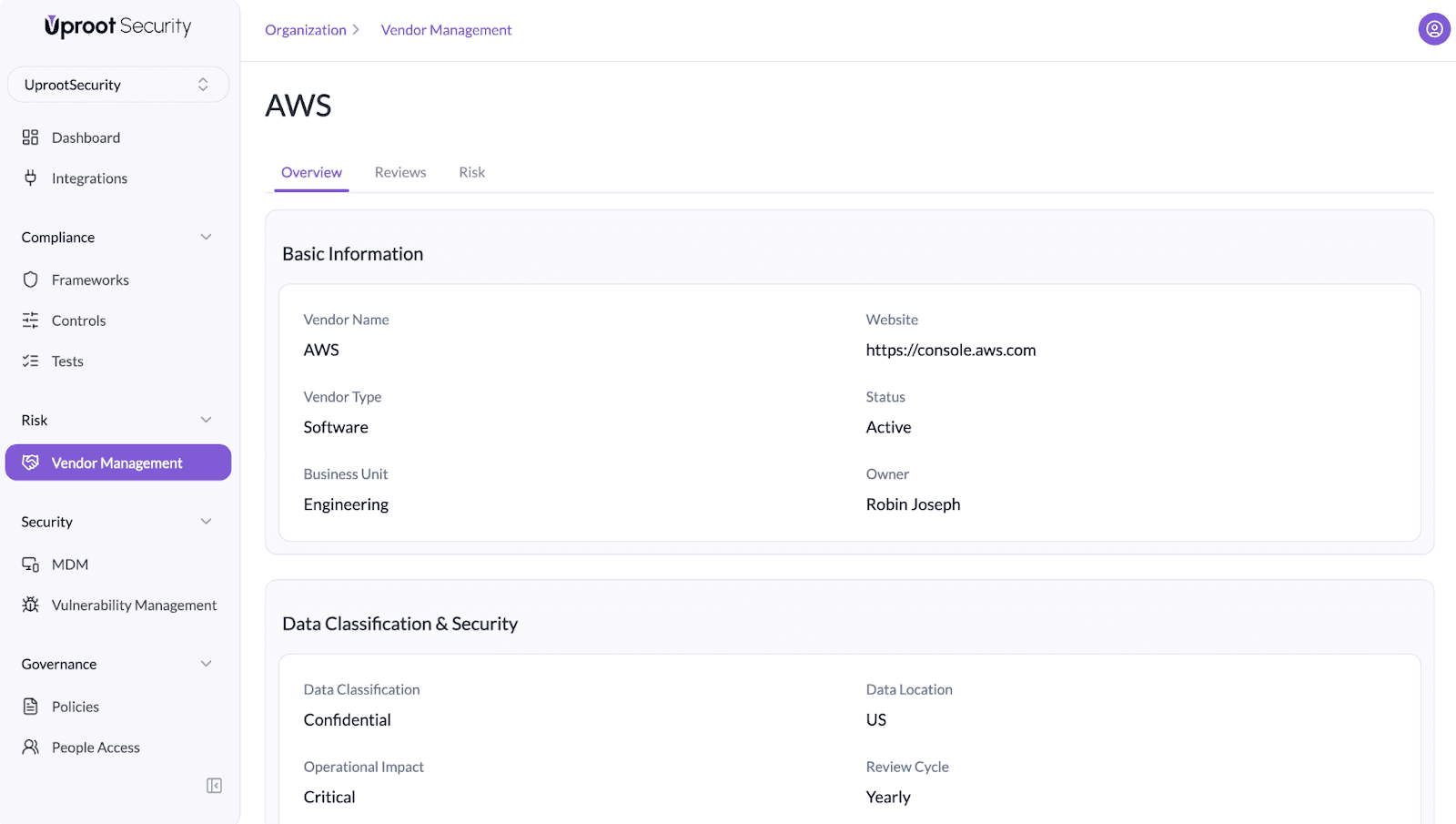
Vendor Overview
The Overview tab captures core vendor context and risk-relevant metadata. This information is used throughout reviews, assessments, and reporting.
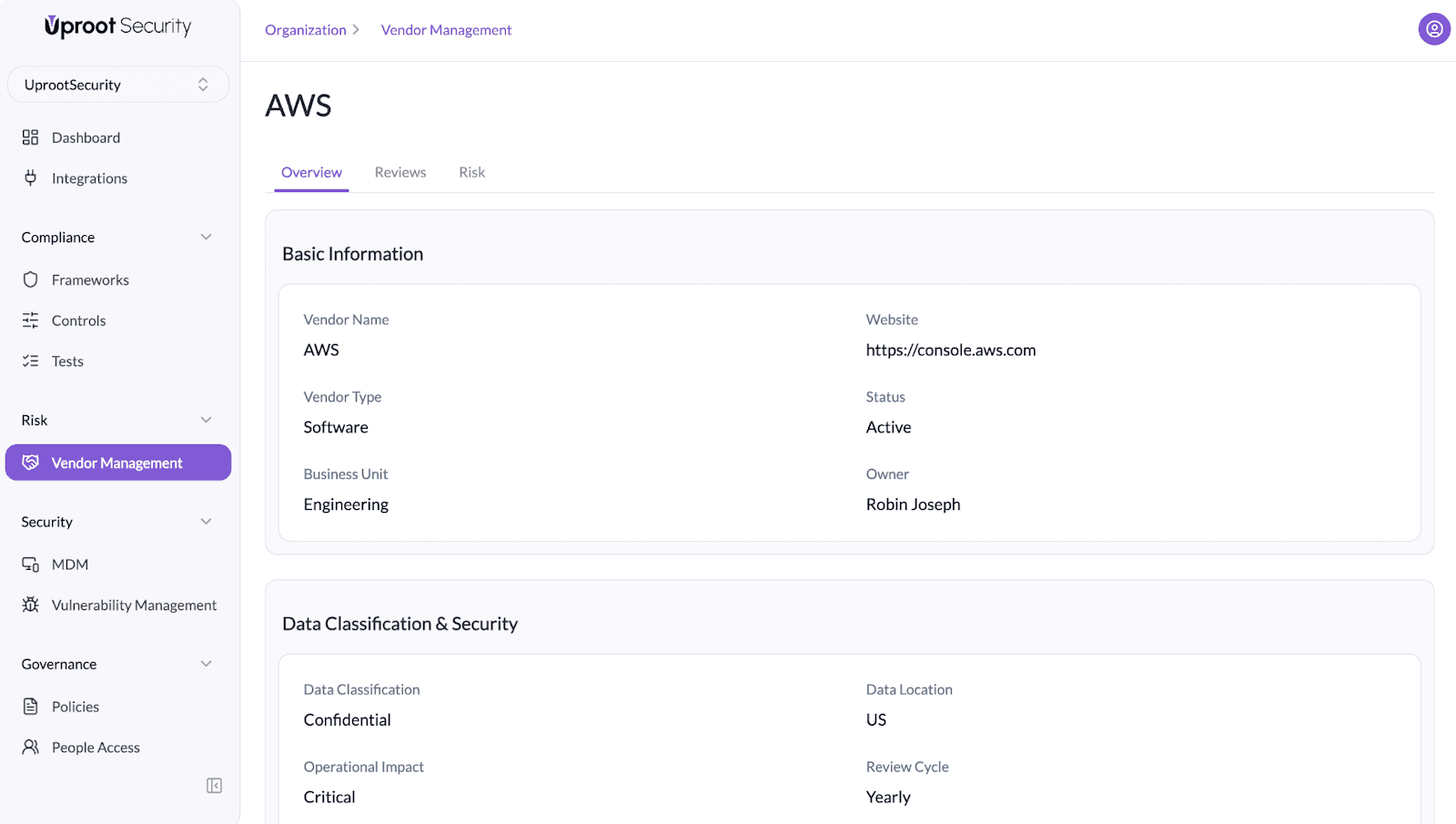
Basic Information
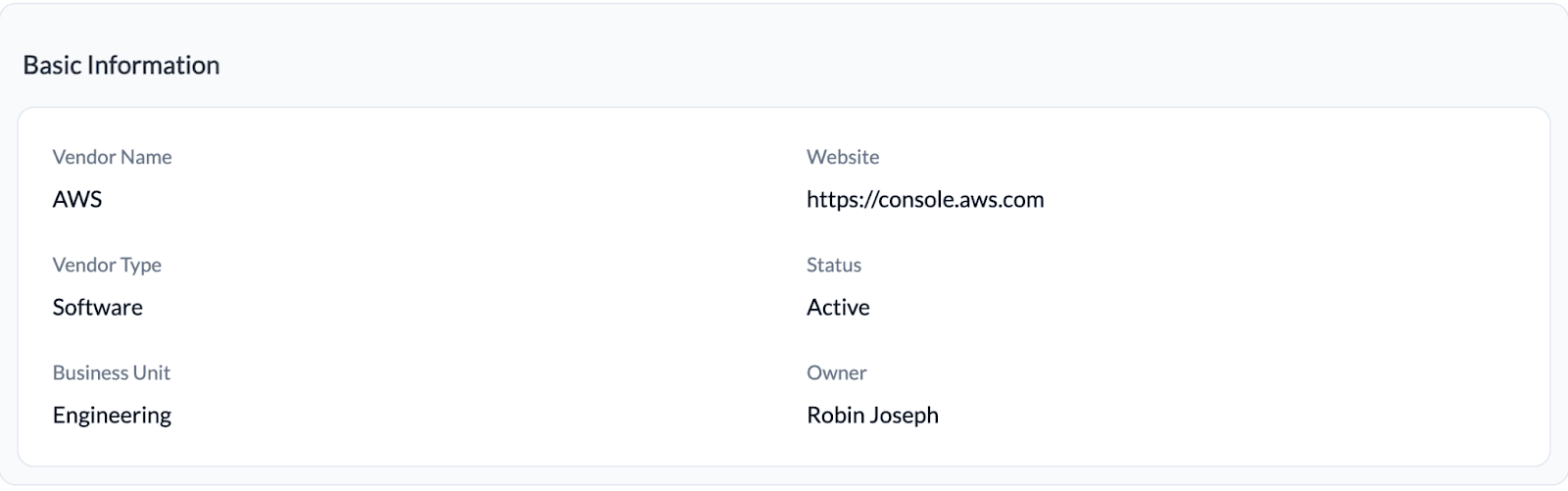
- Vendor Name
- Vendor Type (e.g., Software, Service Provider)
- Business Unit using the vendor
- Owner responsible for the vendor internally
- Website
- Status (Active / Inactive)
This ensures accountability and clear ownership for audits and escalations.
Data Classification & Security
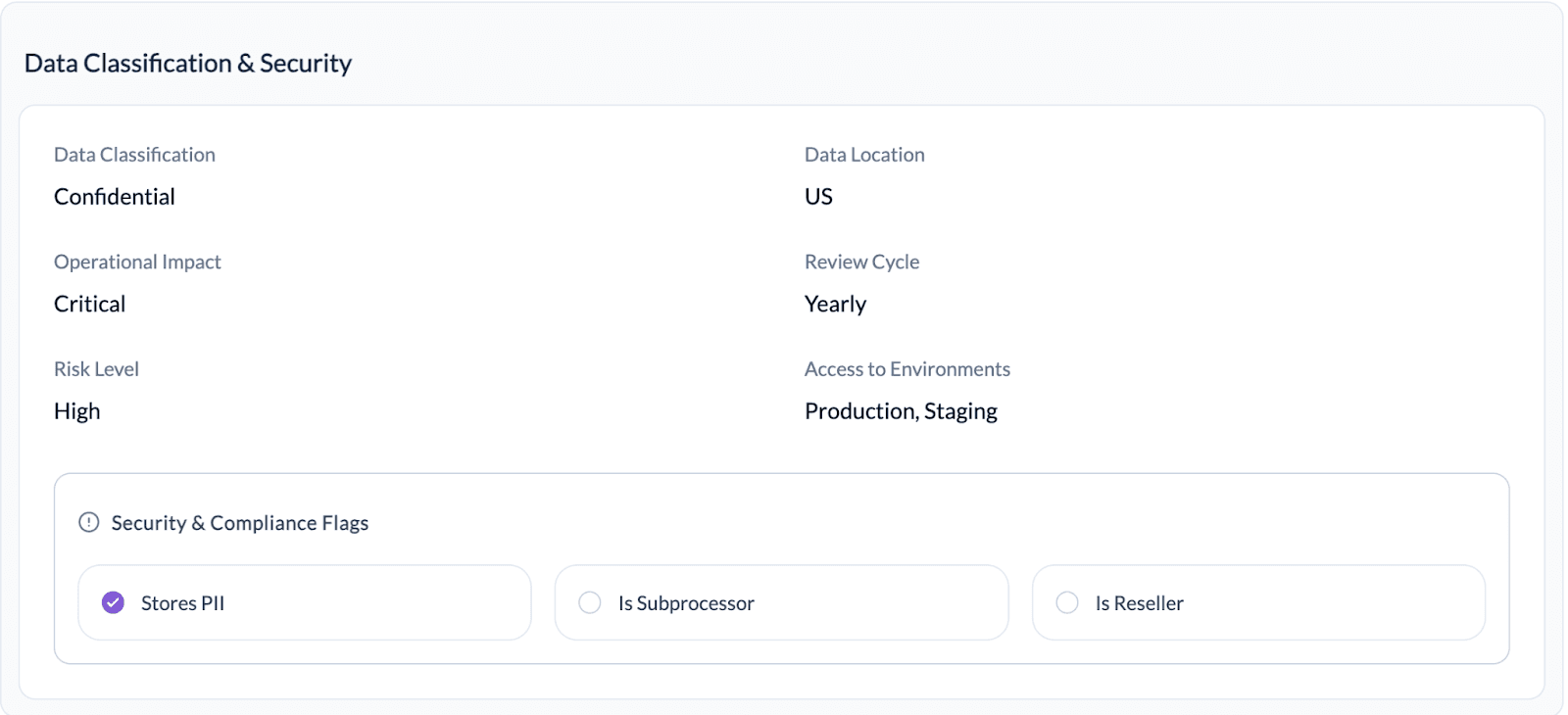
- Data Classification (e.g., Public, Internal, Confidential)
- Operational Impact (Low to Critical)
- Risk Level (derived from assessments)
- Data Location (e.g., US, EU)
- Review Cycle (e.g., Yearly)
- Access to Environments (Production, Staging, etc.)
These fields help prioritize reviews and enforce risk-based vendor management.
Security & Compliance Flags
Quick indicators of a vendor’s compliance and privacy impact:
- Stores PII
- Is Subprocessor
- Is Reseller
These flags help teams quickly identify vendors that require additional review during SOC 2, ISO 27001, and privacy assessments.
Data Handling
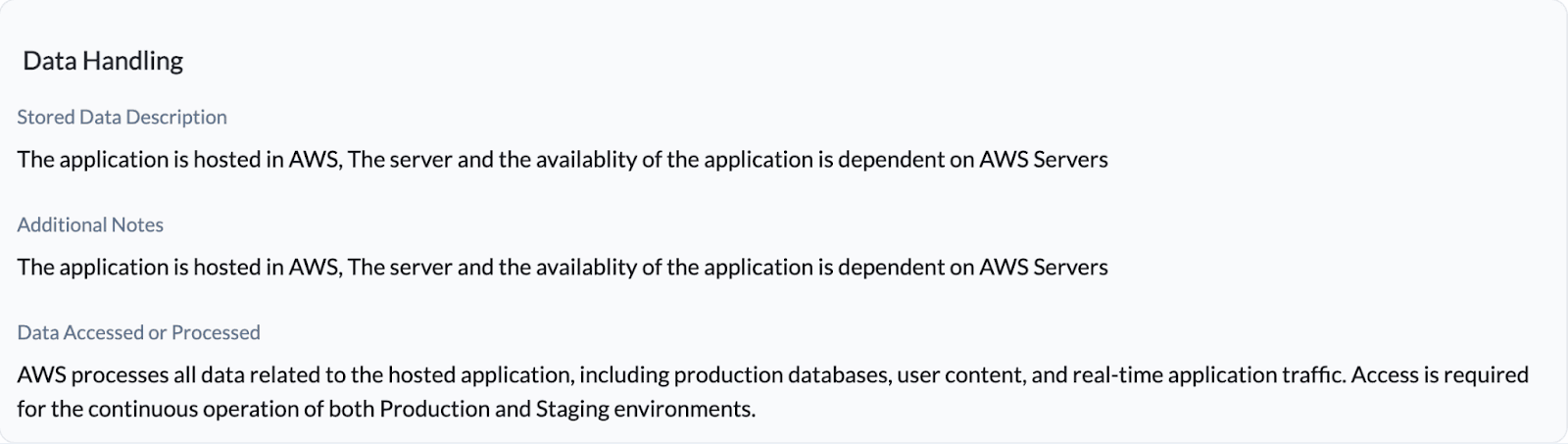
- Stored Data Description – what data exists in the vendor
- Additional Notes – architectural or dependency context
- Data Accessed or Processed – scope of vendor access across environments
This section is critical for explaining vendor dependency and blast radius.
Vendor Reviews
The Reviews section is used to conduct structured vendor assessments.
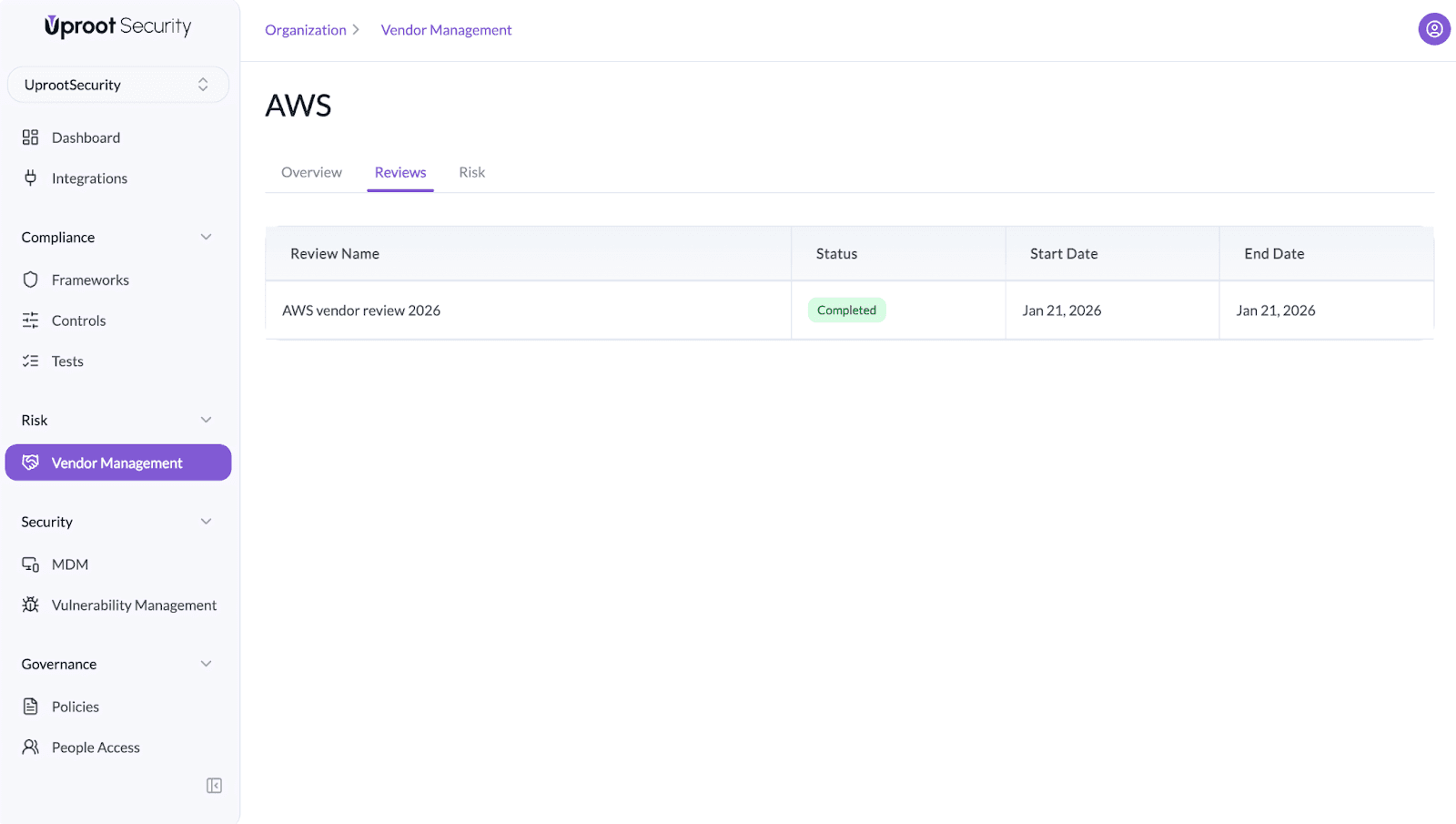
Vendor Questionnaires
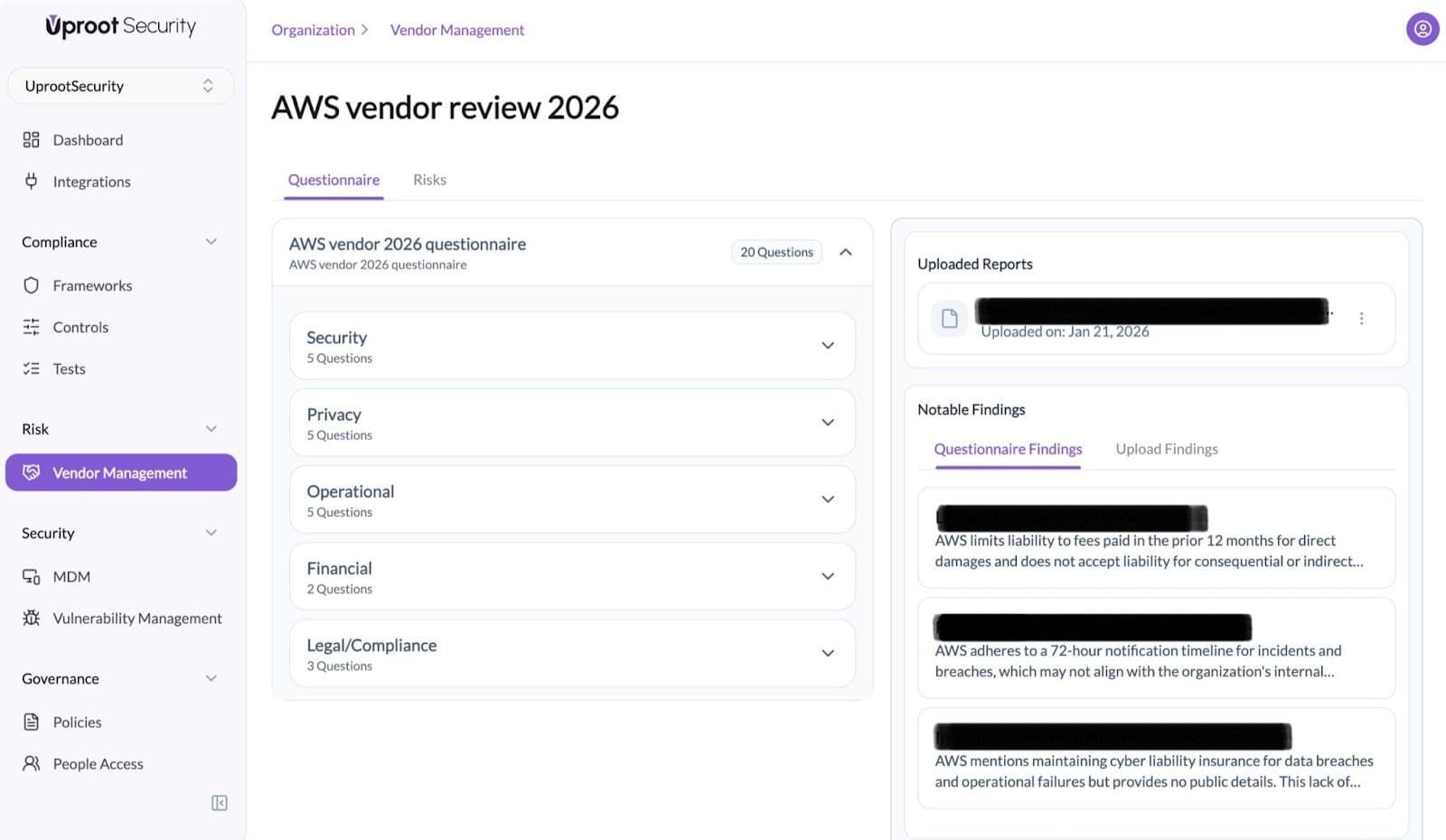
- Security
- Privacy
- Operational
- Financial
- Legal / Compliance
Each category contains targeted questions used to assess vendor controls and commitments.